Kriyantha Insights · Practical Operations
From Camera Detection to an Accountable Business Workflow
How a simple camera alert becomes a tracked, assigned, and resolved task - not just a notification nobody acts on.
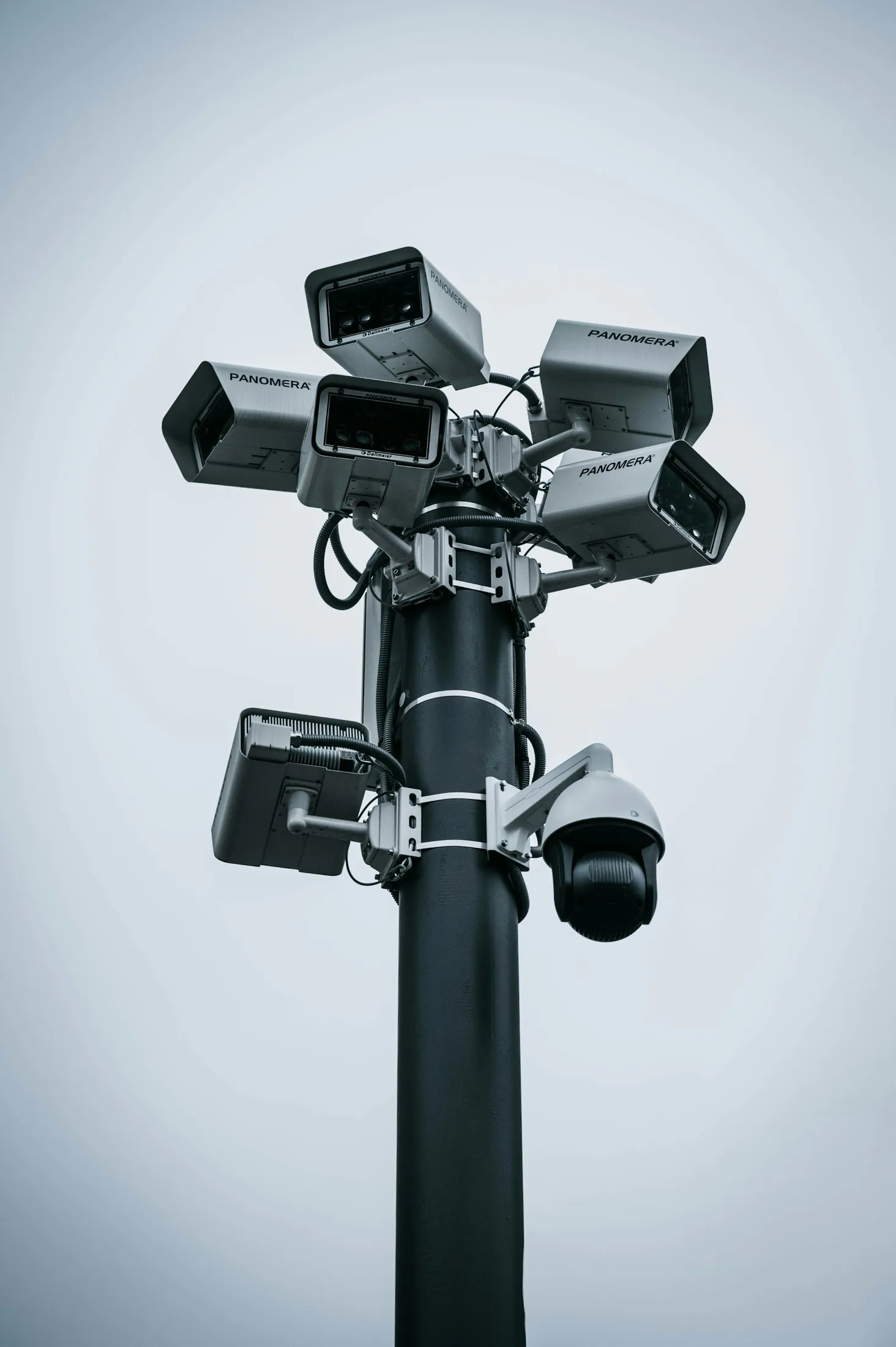
Most businesses that install security cameras end up with a folder of recordings nobody watches, or a phone that buzzes with alerts nobody acts on. The camera did its job - it detected something - but detection alone does not fix anything. It is what happens after the alert that determines whether the investment was worth it.
This article walks through how to turn a simple camera detection into a workflow with real accountability: someone gets notified, someone owns the follow-up, and the outcome gets logged so it cannot quietly disappear.
The Problem With “Just” Installing Cameras
Cameras are often bought reactively - after a theft, an accident, or a customer complaint. They get installed, and for a few weeks someone actually checks the footage. Then daily operations take over and the footage becomes something you only look at after something has already gone wrong. At that point, the camera is a record-keeping tool, not a prevention tool. The gap is not the camera - it is the missing workflow connecting detection to action.
What Detection Actually Means (and What It Doesn’t)
Modern AI-enabled cameras can detect a lot: a person entering a restricted area, a vehicle in a loading zone, a safety vest not being worn, an item left unattended, unusual footfall in a store aisle. But detection is just an observation - it says “this happened,” not “someone should do something about it, and here is who.” Without a workflow attached, even the smartest camera behaves like a simple recorder with better marketing.
From Alert to Action: Building an Accountable Workflow
A workflow turns a detection into four connected steps:
- 1. DetectThe camera or sensor identifies the event.
- 2. NotifyThe right person, not everyone, is alerted based on the type of event and time of day.
- 3. AssignThe alert becomes a task with an owner and, ideally, a deadline.
- 4. Resolve & LogThe person marks it handled, with a note on what was done, creating a record you can review later.
What Makes a Workflow “Accountable”
Accountability does not come from having a lot of cameras - it comes from three things:
- Clear ownershipEvery alert type has one person or role responsible for it, not a group chat where anyone might respond.
- Visibility for the ownerYou should be able to see how many alerts happened, how fast they were resolved, and whether any are still open.
- A record that cannot be edited quietlyLogs should show who resolved what and when, so accountability is not just informal trust.
Real Examples of Camera-Triggered Workflows
- Retail storeAn unattended item in an aisle triggers an alert to the floor supervisor; the task auto-closes once the item is confirmed cleared on the next camera pass.
- WarehouseSafety gear not detected in a restricted zone triggers an alert to the shift supervisor; the incident is logged for the monthly safety review.
- Office or facilityAfter-hours movement triggers an alert to the security contact; the resolution is noted - false alarm, cleaning staff, and so on - so patterns can be reviewed later.
How Kriyantha Builds This Without Overengineering It
We do not start by asking what the camera can detect - we start by asking what should happen when it does. That decides who gets notified, how urgent the alert is, and what “resolved” actually means for your business. Cameras and detection models come second. This keeps the system focused on outcomes you actually care about, instead of an impressive list of things a camera can technically recognize but nobody acts on.
Closing perspectiveInstalling cameras is the easy part. The real value comes from what happens in the seconds and minutes after something is detected - who finds out, who owns it, and whether it gets resolved and recorded. If your current camera system only records footage without a workflow behind it, you are paying for detection without getting accountability.
Key takeaways
The practical points worth carrying forward.
- A camera detecting something is not the same as a business responding to it.
- An accountable workflow has four steps: detect, notify, assign, resolve and log.
- Clear ownership and a non-editable record are what make a workflow accountable, not the number of cameras.
- Start by defining what should happen after detection, not just what the camera can detect.
Frequently asked questions
Questions to consider before the next step.
Conclusion